Order flow, market profile and session levels on eight charts at once — running on your own broker feed, on your own machine.
Installs in a minute · one key, no account to create
Every tool here exists because a trade needed it. No indicator library, no hundred variations of a moving average.
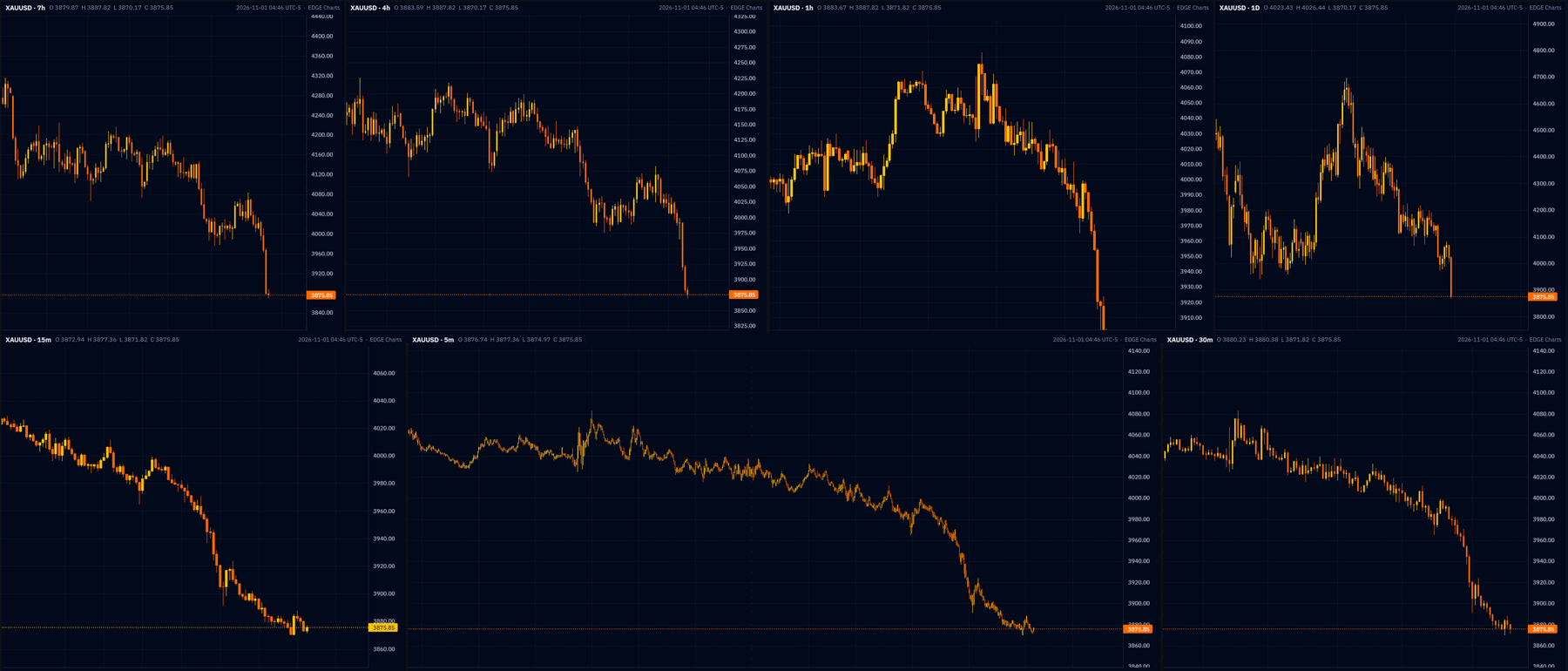
Every timeframe of the same instrument at once, or eight different ones. Drag a symbol onto another chart to swap them, link the crosshairs and timeframes or don't, and the layout follows you between your own machines.
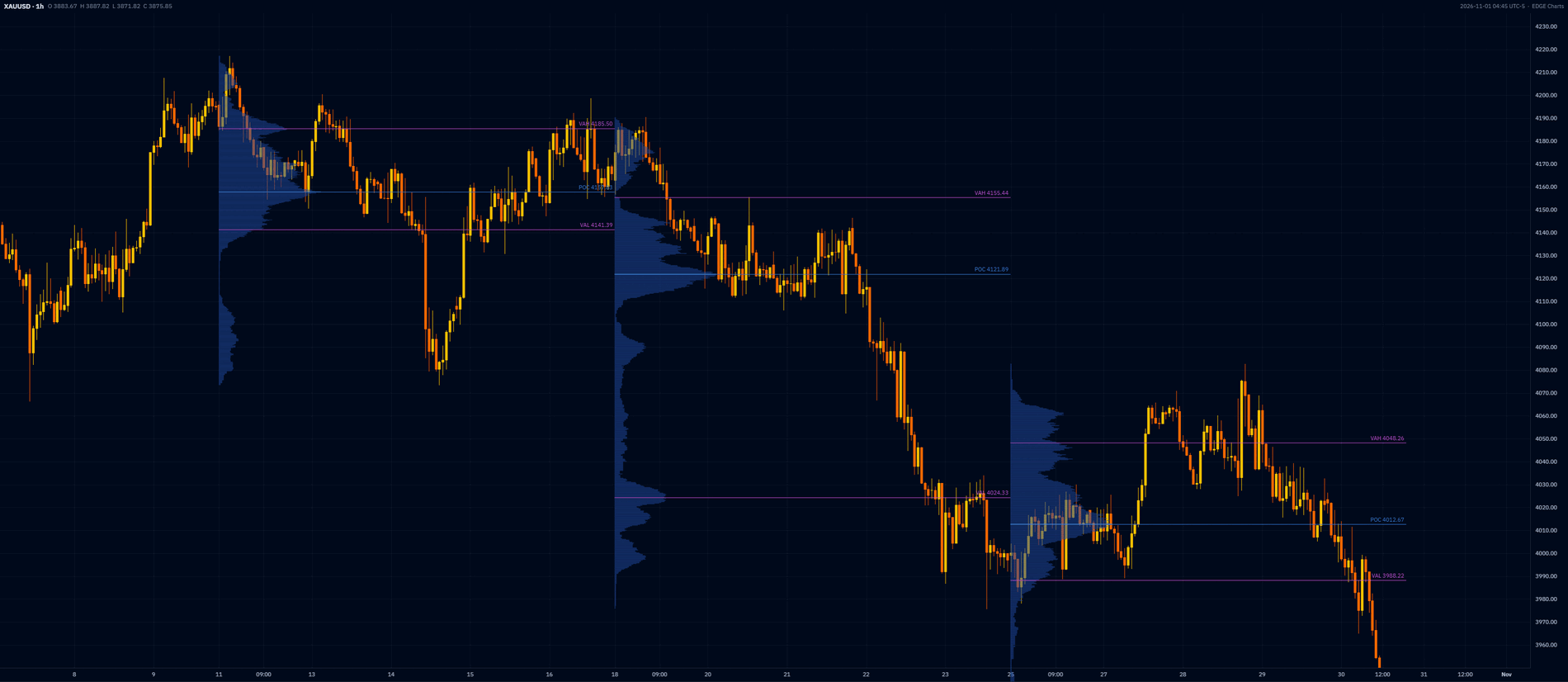
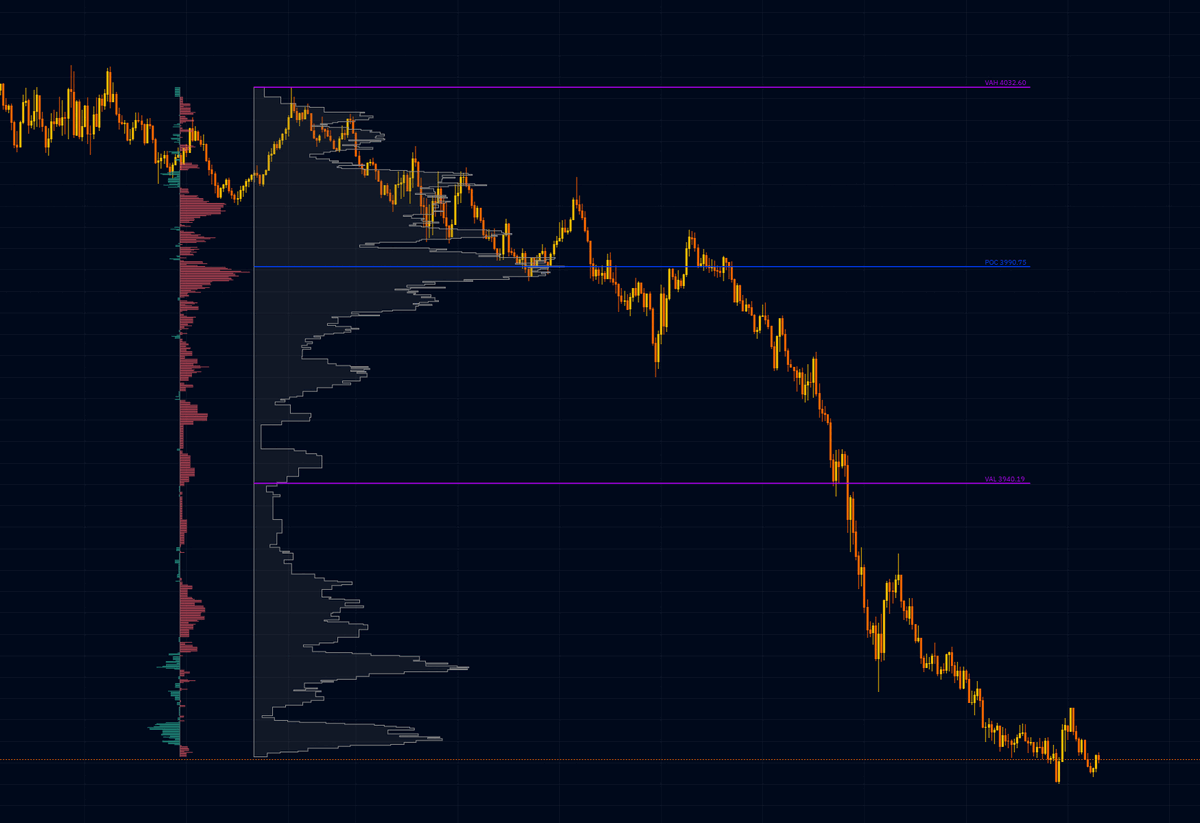
The standard article — fixed range, session, day, week or month. Value area, point of control and the high- and low-volume nodes, with buy and sell volume split out beside the profile.
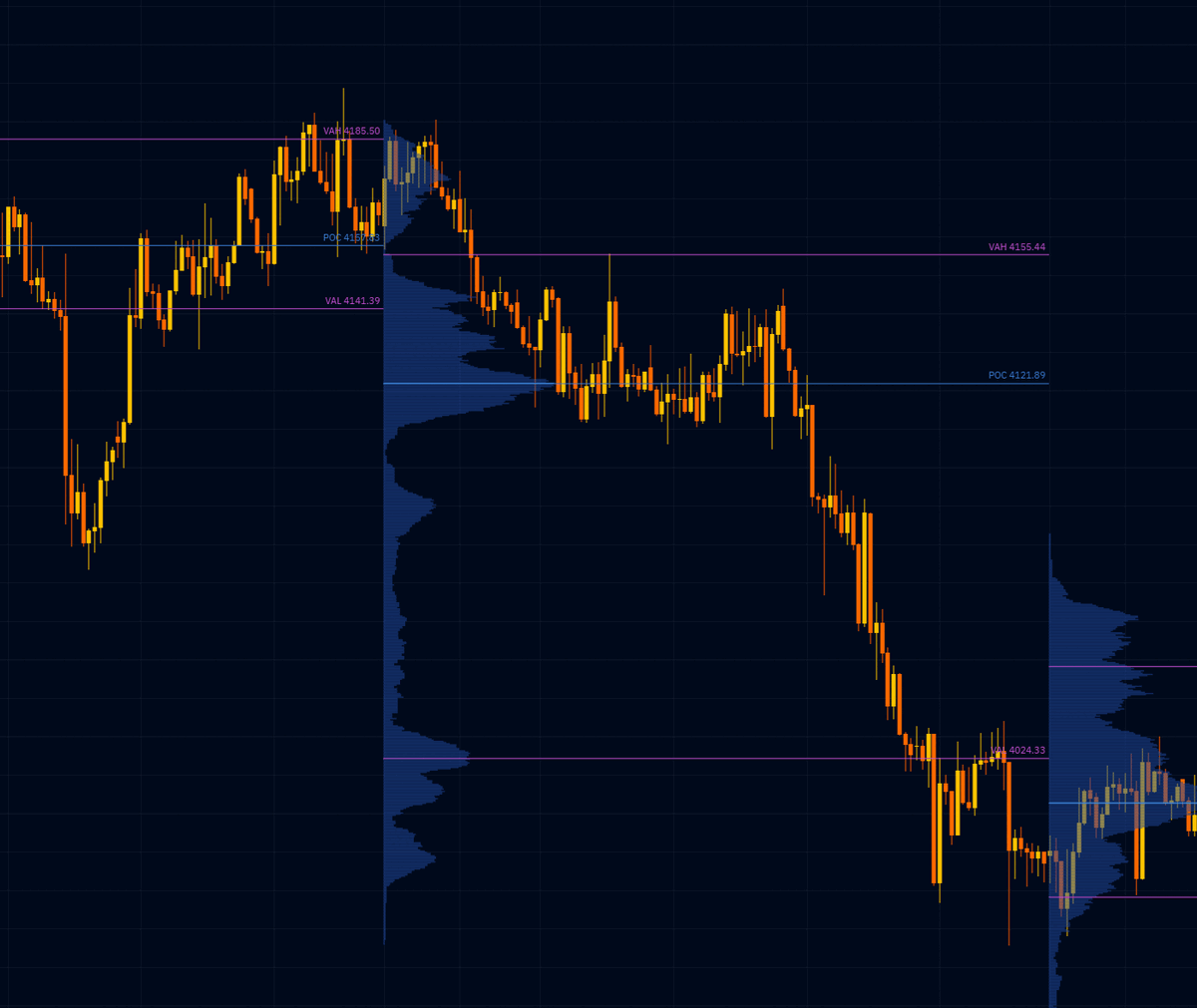
Each week builds its own profile, and the one that just closed leaves its VAH, POC and VAL behind as lines you trade against. Same for yesterday against today.
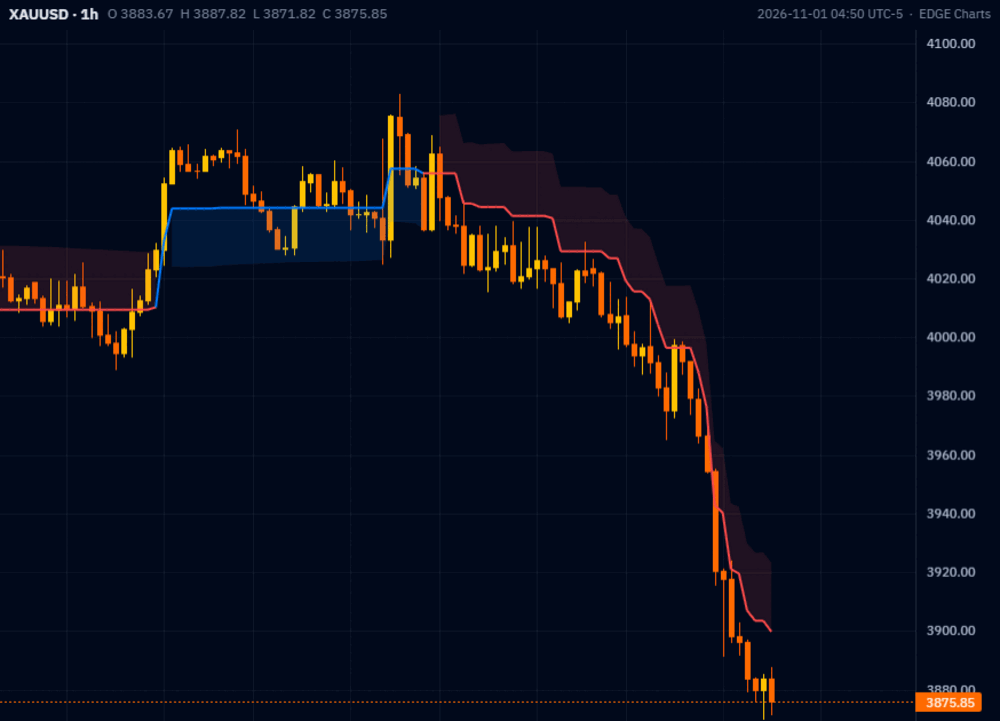
The band only turns when a candle closes past it, so you are not chased in and out on a wick. Stops sit on the band edge rather than an arbitrary distance away.
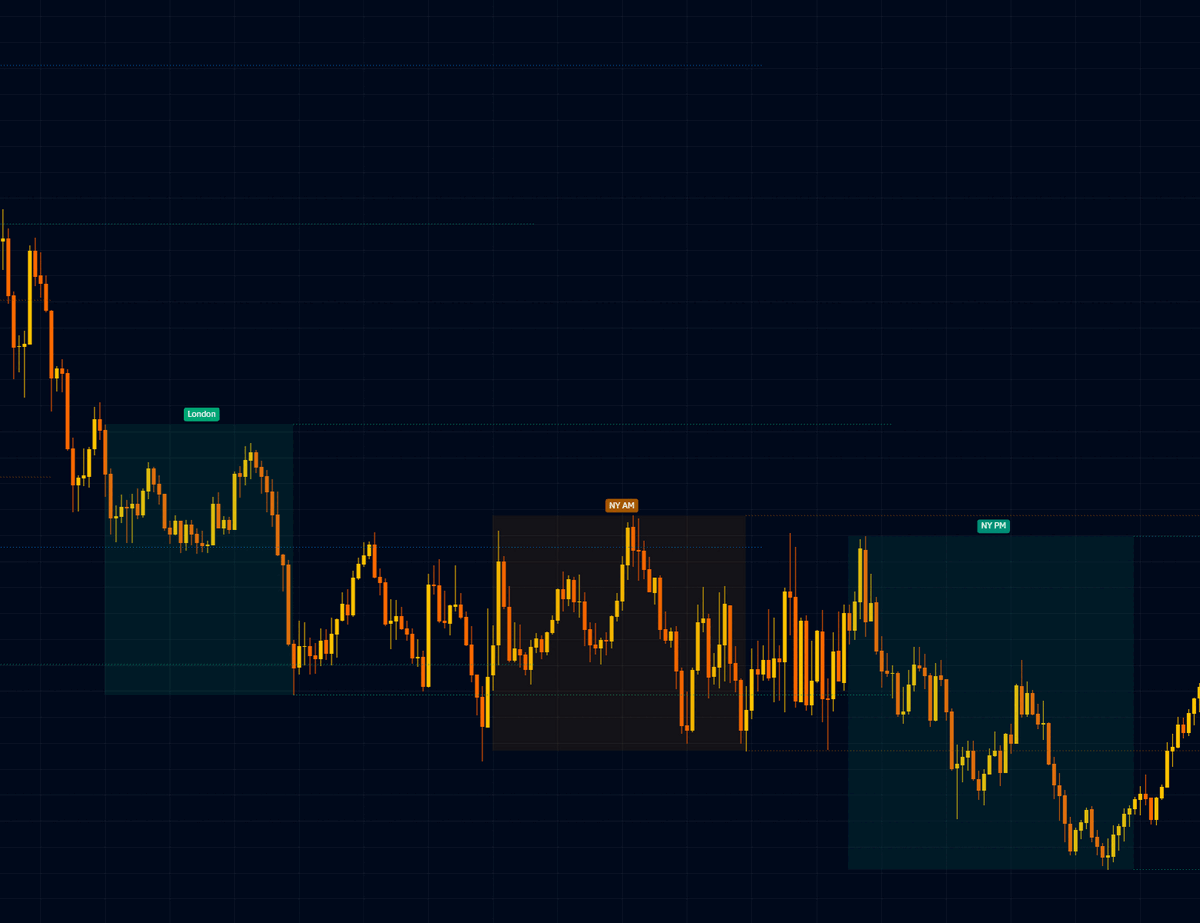
Asia, London, NY AM and NY PM boxed as they happen, each carrying its own high and low forward. Day and week opens named the way you say them — Monday opens Sunday evening.
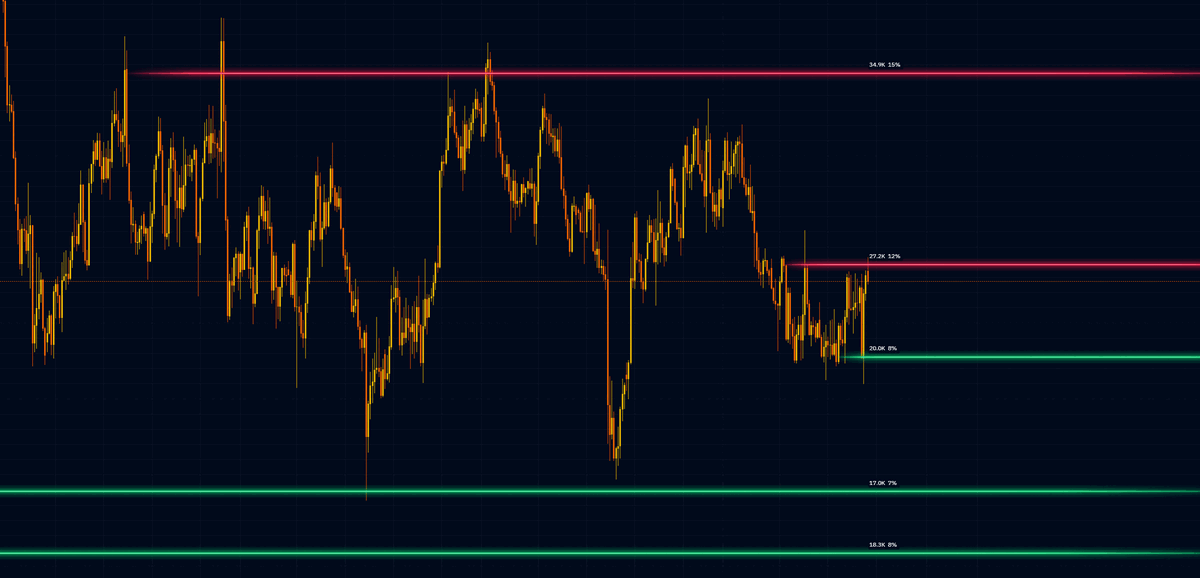
Not just where the market turned, but how much changed hands doing it. Each level carries its volume and its share of the range, so you can tell a wall from a wick.
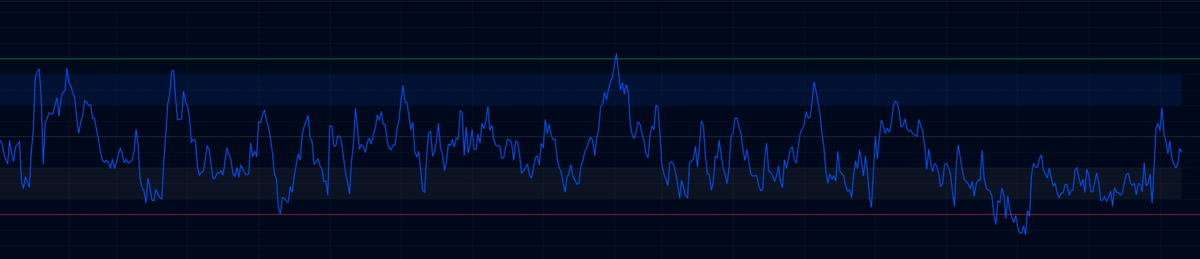
Support and resistance drawn on the RSI itself rather than two flat lines at 30 and 70, plus a fast and a slow line and divergences flagged against price.
Every print stamped buy or sell by the exchange, not guessed from which way price last ticked. Delta, imbalance and absorption you can actually trust.
Cumulative delta on its own pane, reset by session, by day, or never. When it climbs and price doesn't, somebody is being absorbed.
Drag a line onto the chart and it watches that price. A drawing you have already made can watch itself. They ring, they raise a Windows notification, and they can post to your Discord with the chart attached.
1s, 5s, 15s and 30s candles built from the tape rather than resampled from minutes — for the release, the open, and anywhere a minute is too wide to see what happened.
No account to create, no password to remember, no data of yours leaving your machine.
One Windows installer. It doesn't need administrator rights and it doesn't install anything alongside itself.
Paste the licence key you were sent. That's the whole sign-in. It keeps working offline for a week at a time, so a dropped connection never costs you your charts.
It finds your MT5 terminal and reads the feed you already pay for. Your broker, your account, your data — none of it passes through us.
No tiers, no add-ons, no upsell on the tool you actually came for. One hundred dollars buys the whole thing for a year.
Need it on a second machine, or keys for a whole desk? Say so and we will sort it out.
Your own MetaTrader 5 account. EDGE Charts reads the feed your broker already gives you, on your machine. Nothing is resold and nothing is routed through us, which also means your broker's terms are the ones that apply.
It can read your open positions and your fills for the journal. Order placing is off unless you turn it on deliberately, and if you do, test it on a demo account first.
Your licence keeps working offline for a week at a time, so a dropped connection mid-session doesn't cost you your charts. The app checks in again when it can.
A key runs on one machine. If you move to a new computer, ask and the old slot is freed the same day — you are not buying again because your laptop died. For a desktop and a laptop running side by side, or for a desk of traders, get in touch.
New tools arrive on their own, usually within a day, with no installer and no administrator prompt. Updates are signed, so your copy refuses anything that isn't genuinely from us.
Through MetaTrader today, if your broker carries them. A direct Rithmic connection is being built, which brings the real exchange contracts with every trade stamped buy or sell by the exchange itself. You'd connect your own Rithmic account, the same way you connect your own MT5.
Install it, paste your key, and see your own feed the way it actually trades.
Windows 10 and 11 · MetaTrader 5